Backlog
A screensaver for your Steam Deck, made from your own games.
Every piece has a past
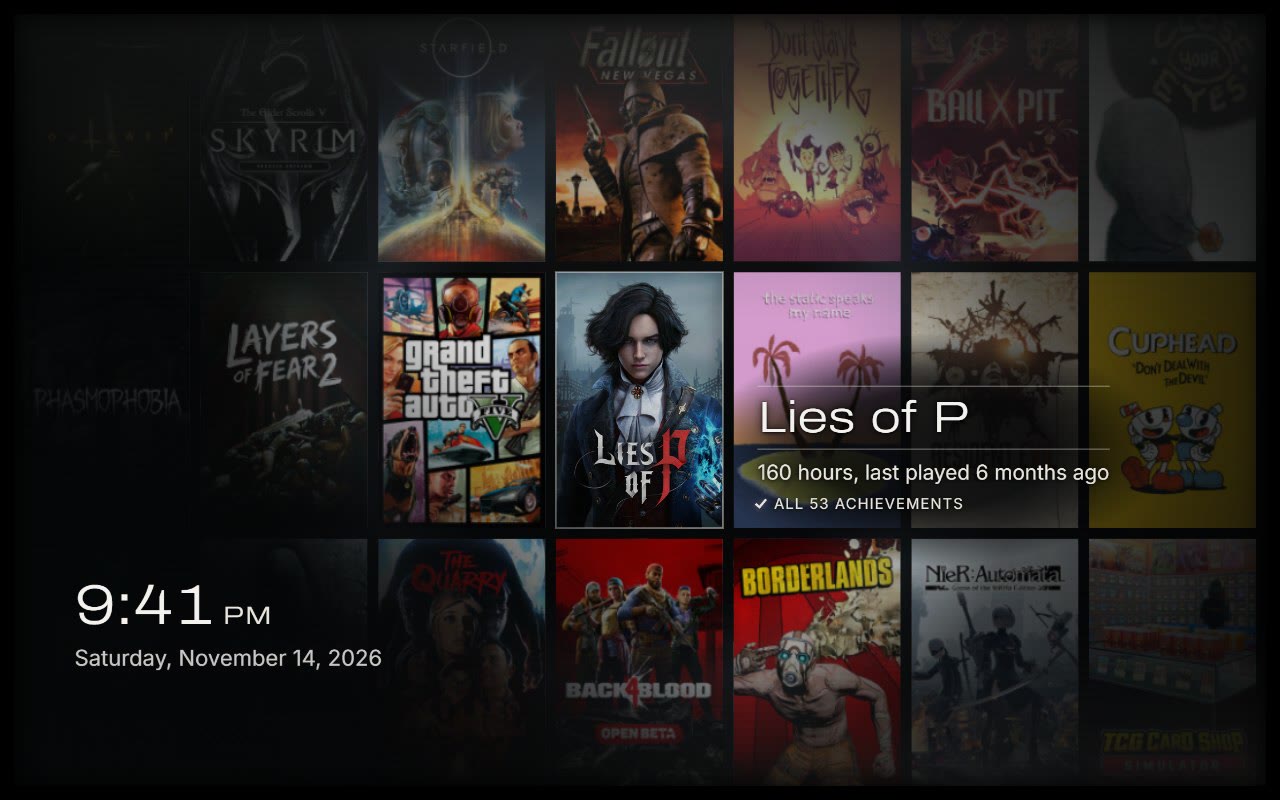
Every so often one game steps forward with your hours, when you last played it and your achievements. These are mine. Yours will be different, and maybe more embarrassing.
 Lies of P160 hours. All 53 achievements.
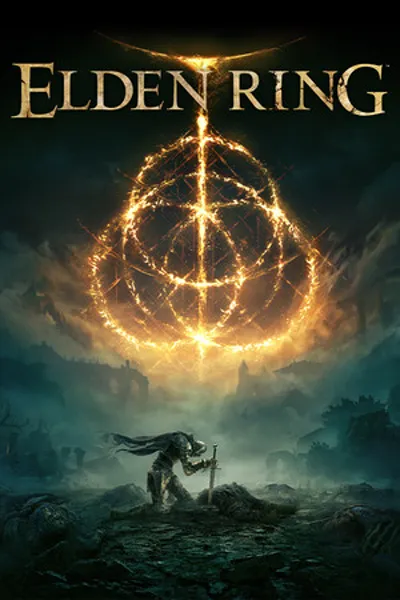 ELDEN RING242 hours. All 42 achievements.
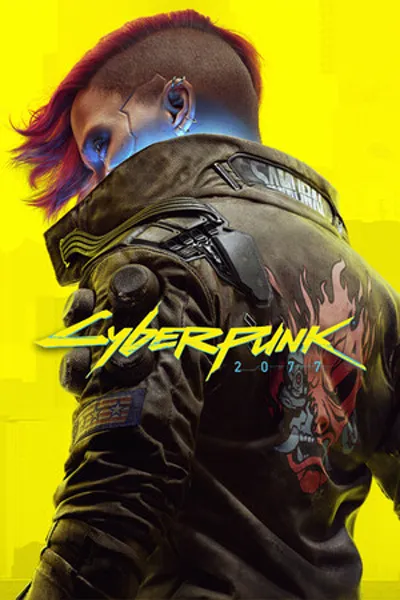 Cyberpunk 2077105 hours. 41 of 57 achievements.
 Queen’s Domain75 hours. 36 of 53 achievements.
 Clair Obscur: Expedition 3344 hours. 31 of 55 achievements.
 DARK SOULS III248 hours. All 43 achievements.
Four scenes, shuffled
Five minutes each, in a random order. You pick which ones play.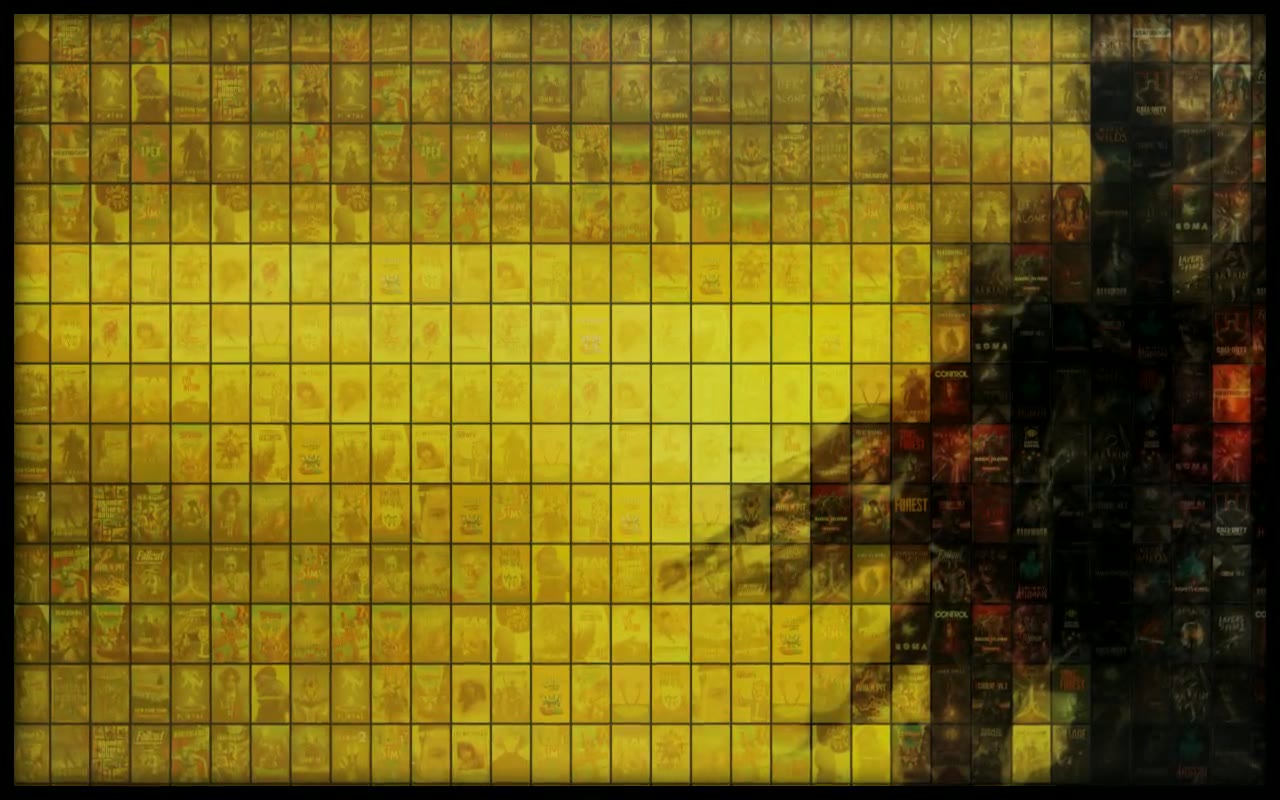
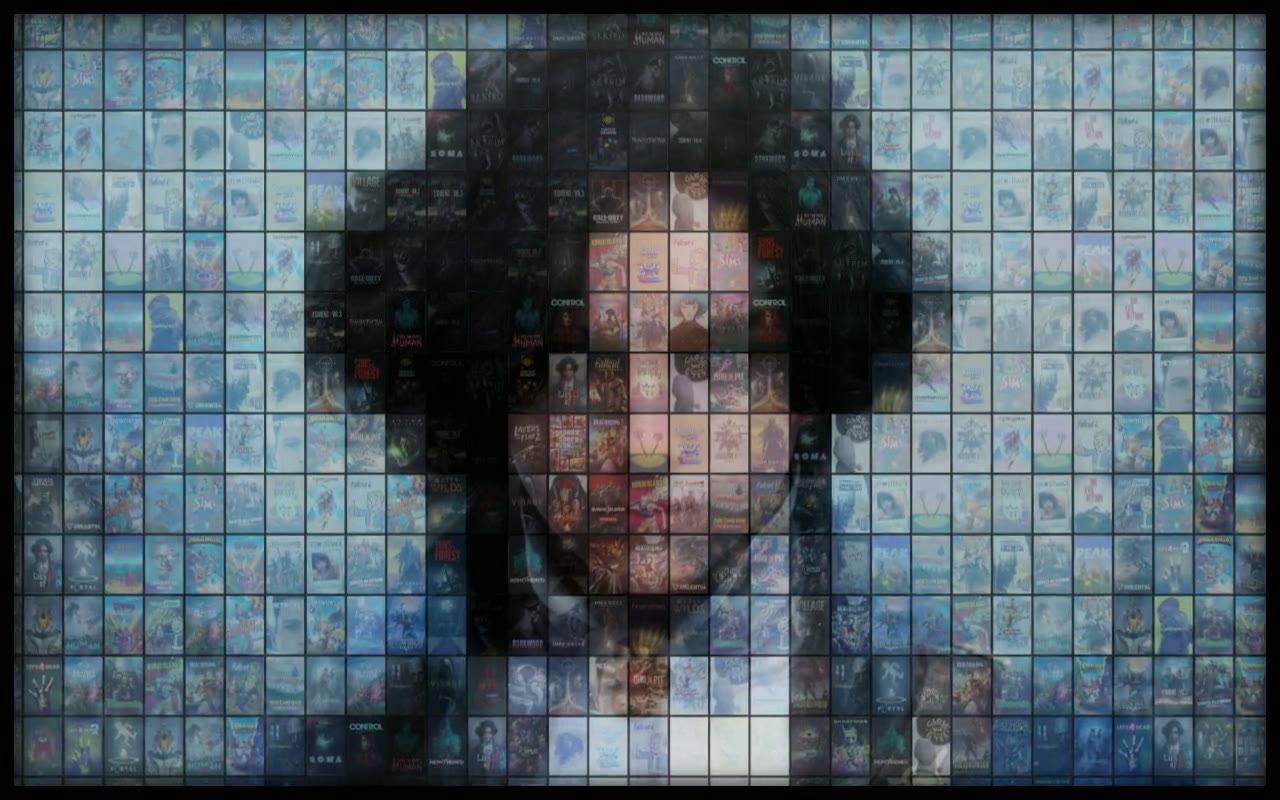
Mosaic
Hundreds of covers turn over into one picture. Each tile is a real cover from your library, picked because its colors match that spot in the art. Then the camera walks in until it finds the game.
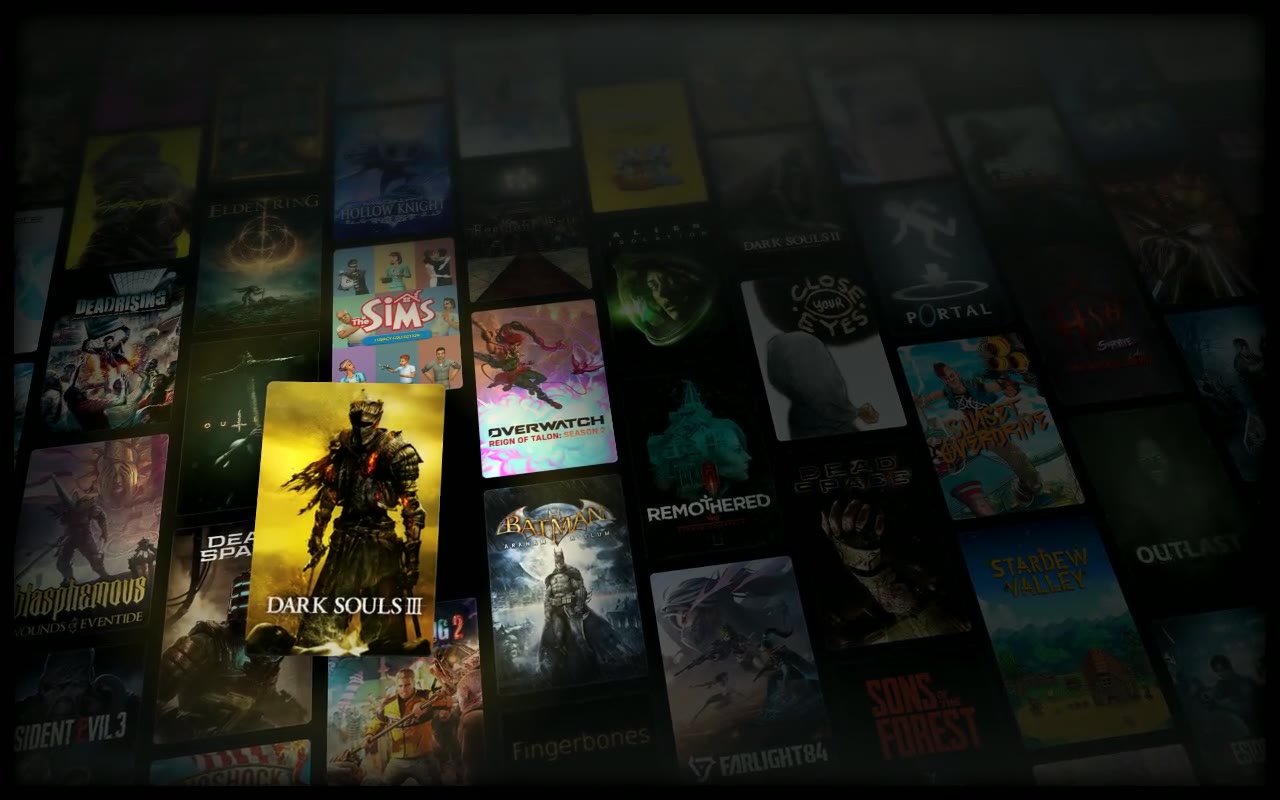
Drift
Your library on a long, tilted wall, sliding slowly past. Now and then one cover lifts out.
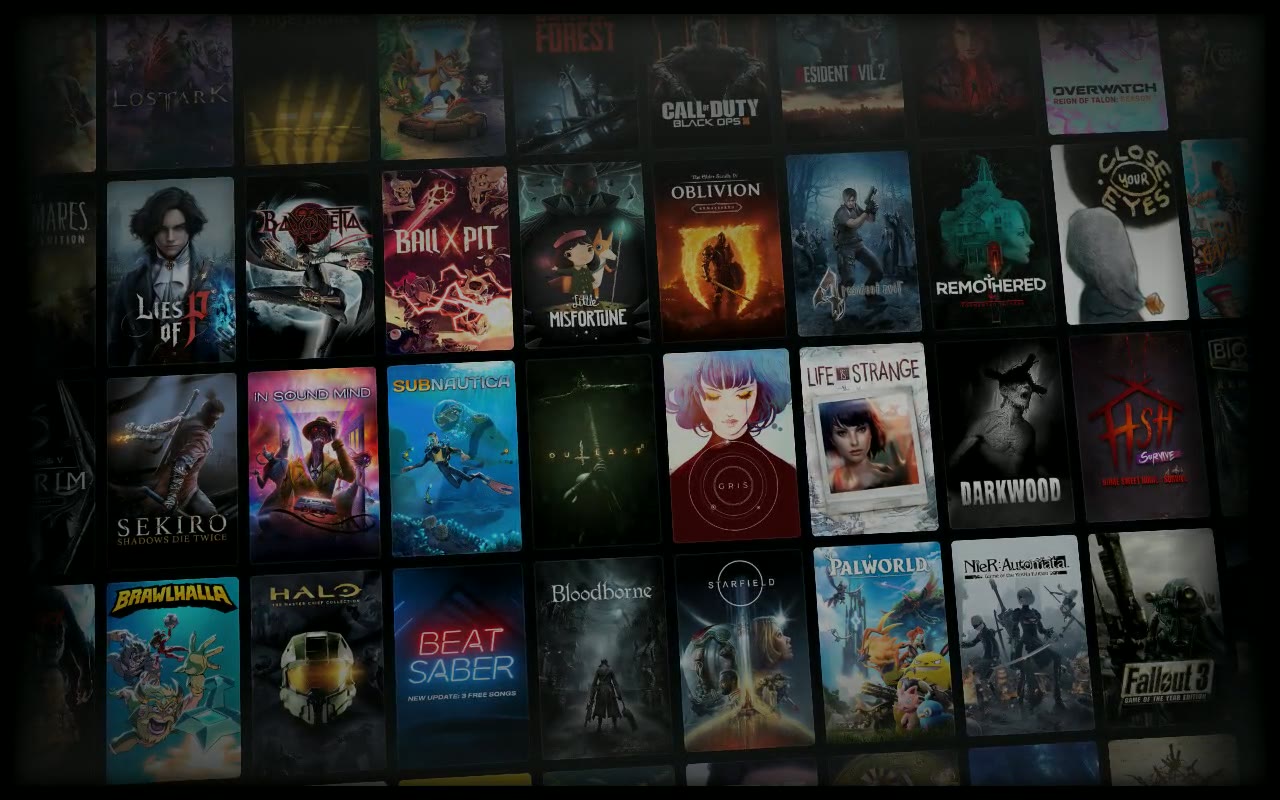
Flip
The covers stay where they are and turn over like a departures board: one flap, a small ripple, now and then a wave.
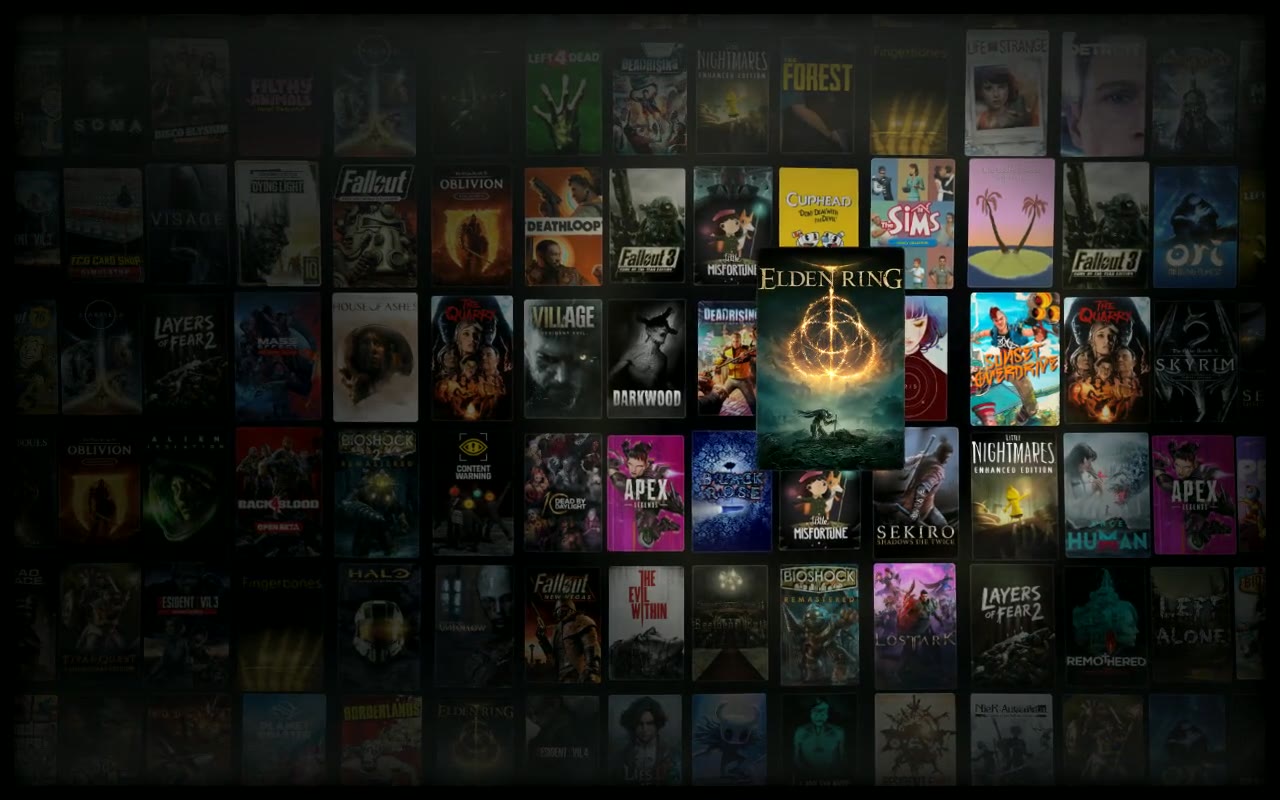
Ripple
A slow wave rolls through the grid, and the covers rise and dim as it passes.
- 127
- games on mine. It reads yours straight from Steam’s files on your Deck.
- 6,510
- hours played. It will tell you yours. I am sorry in advance.
- 0
- things sent anywhere. It never asks for an account and never goes online.
It keeps itself up to date every 15 minutes, so new games and hours show up on their own.
Put it on your Deck
It takes two minutes, and you won’t need a terminal or Decky. Free and open source.
Not on a Deck? It also works in Steam Big Picture on Windows and Linux.
- Switch to Desktop Mode and unzip the download.
- Double-click Install Backlog. It asks which scenes you want and how long each should stay.
- Back in Game Mode, pick it in Settings, Customization, Screensaver.
powershell -ExecutionPolicy Bypass -File tools\sync.ps1 -InstallGood to know
The answers to what people asked first. Settings live in config.js, inside the installed backlog folder, and every line in it is explained.
- Can I hide the clock and date?
- Yes. Set the overlay clock to never and the whole corner goes: the time, the date and the hours line.
overlay: { clock: 'never' } - How do I remove it?
- On a Steam Deck, double-click Uninstall Backlog in the folder you downloaded. It removes the screensaver and stops the background refresh. On Windows it is two steps, and the README has them.
- Is it safe for an OLED screen?
- I built it on an OLED Deck, so yes. The clock drifts slowly the whole time, the whole picture shifts a little every minute, and it dims between 11 PM and 7 AM. Nothing bright sits still.
- Why do the covers change color in Mosaic?
- Each cover is tinted toward the picture it helps build. That is what lets hundreds of covers read as one image. As the camera moves in, they return to their own colors.
- What if I only have a few games?
- It reuses the covers you have. A small library still fills every scene, with more repeats.
- Do non-Steam games show up?
- Yes, as long as they have art set in Steam.
- Why did it come on during a movie?
- Steam decides when a screensaver starts, and it can’t tell a movie is playing. In Settings, Power, “Start screensaver after” goes up to 1 hour, or can be turned off while you watch.
Backlog is fan-made and free. Game names, covers and art belong to their owners. It isn’t affiliated with or endorsed by Valve or any game’s publisher.
Like this? I’m open to work, freelance or with a team: who’s behind this.